
25 Must-Know Accessibility Rules for Inclusive Design
As a designer, your role goes beyond creating visually appealing interfaces. You need to ensure that every product is inclusive, accessible, and usable by a diverse range of people

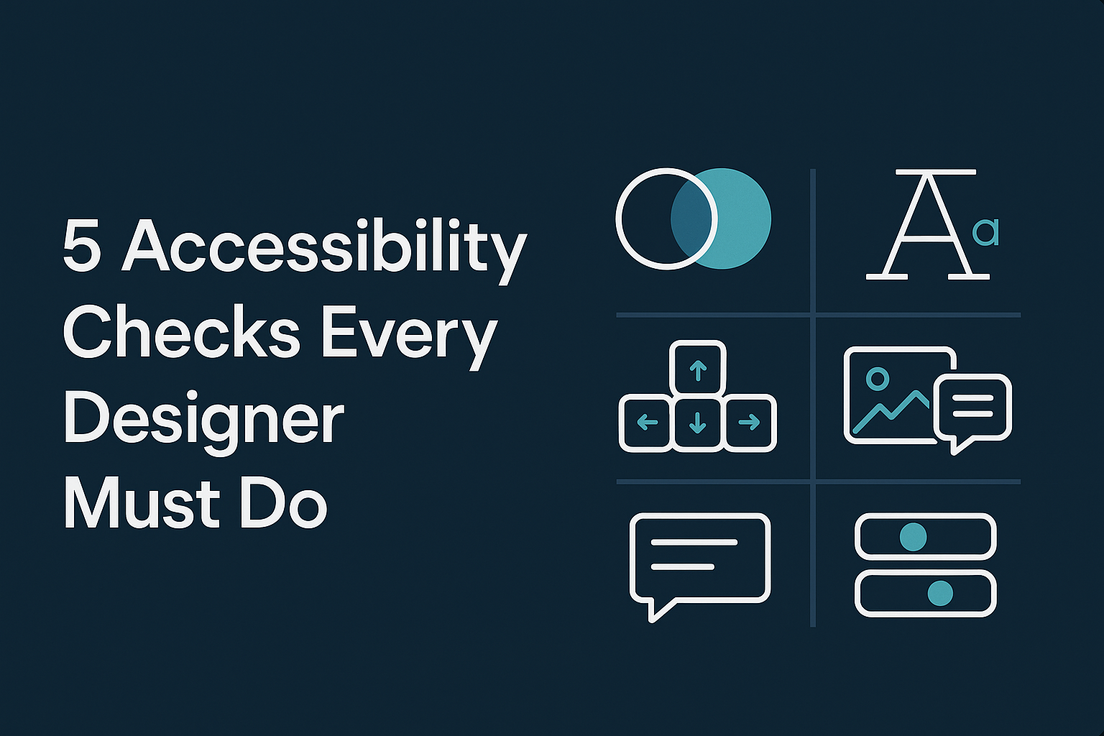
As a designer, your role goes beyond creating visually appealing interfaces. You need to ensure that every product is inclusive, accessible, and usable by a diverse range of people. Accessibility in designDesign is an essential part of building digital products that everyone can use and enjoy. To help with this, here are some essential designDesign considerations every designer should keep in mind.
Colour Contrast Check
When designing for accessibility, colour choices are one of the most important considerations. Text and interactive elements should have enough contrast to remain readable against their backgrounds. Ensure that text and interactive elements meet WCAG AA contrast ratios of 4.5:1 for body text and 3:1 for large text.
Do not rely on colour alone to convey meaning (e.g., error state should also have an icon or text, not just red).